
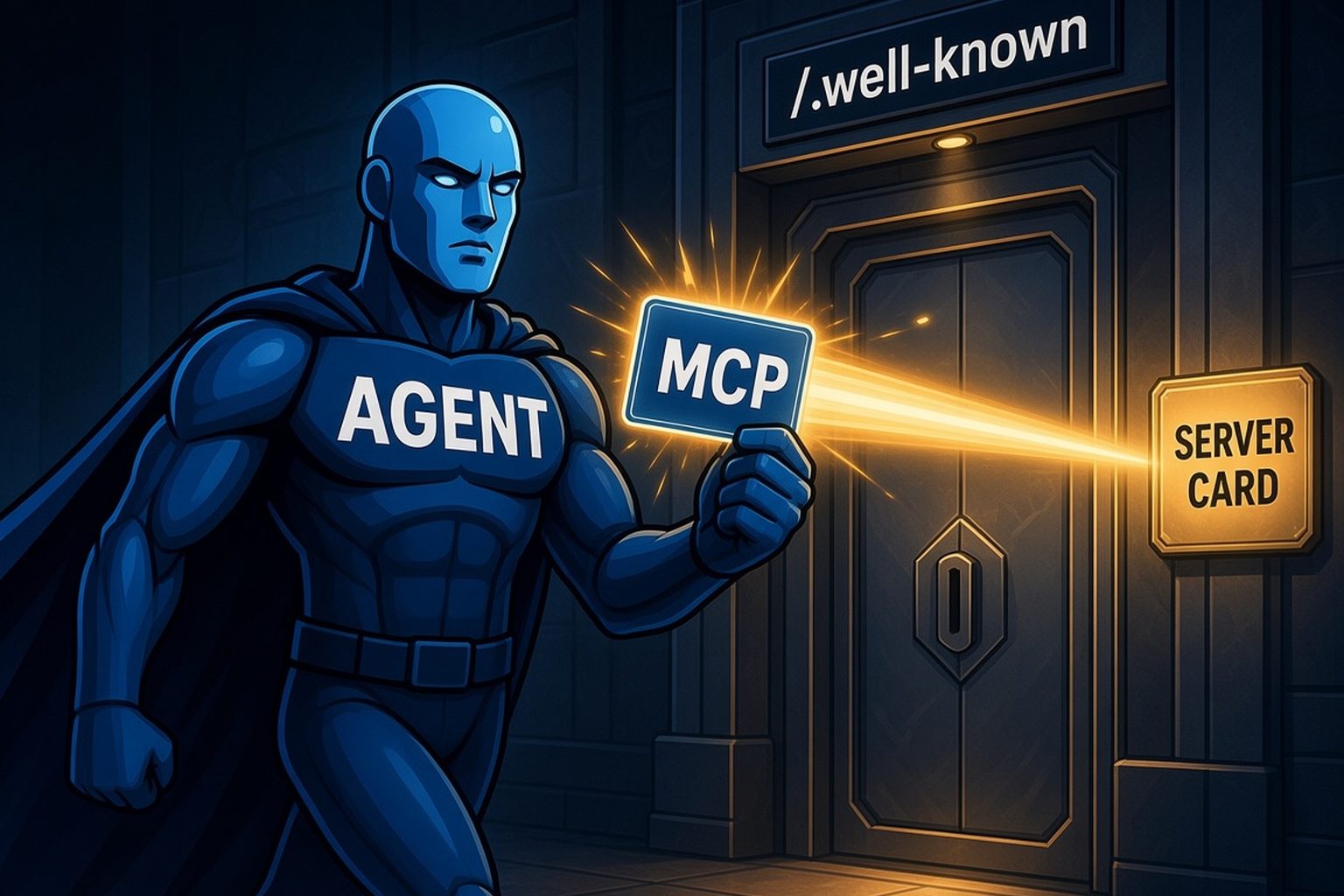
For decades, a web crawler has known where to look first: robots.txt at the root of your domain. Nobody has to tell it where the file lives. MCP now has its own version of that predictable location.
On October 6, the MCP maintainers merged SEP-2127, "MCP Server Cards - HTTP Server Discovery," with its status set to Final. It's an Extensions Track SEP, published under the identifier io.modelcontextprotocol/server-card. (SEP-2127 on GitHub, SEP-2127 on modelcontextprotocol.io)
The problem it solves is simple. Today, connecting an AI client to a SaaS product's MCP server usually means a person finding the right URL in the docs and pasting it in. In the SEP's words, clients "cannot automatically discover available MCP servers on a domain."
What the spec defines
Discovery takes two documents. (SEP-2127, discovery spec)
- An AI Catalog at
/.well-known/ai-catalog.jsonon your domain. This is the fixed, site-wide location. Clients doing domain-level discovery "SHOULD attempt to retrieve this well-known URL." The catalog lists your MCP servers, each with a link to its Server Card (or the card inline). - A Server Card for each MCP server. The card can live at any URL the catalog points to. The recommended spot is your server's Streamable HTTP URL plus
/server-card, so a server athttps://mcp.example.com/mcpwould publish its card athttps://mcp.example.com/mcp/server-card.
One detail worth getting right: the card does not go under /.well-known/mcp/server-card. The spec considered that path and explicitly didn't recommend it. .well-known is kept for site-wide files like the AI Catalog itself.
What goes in a card
A Server Card is a small JSON file with the media type application/mcp-server-card+json. According to the extension's schema, it holds:
- Identity: a reverse-DNS
name(for examplecom.example/weather), aversionand adescription, plus an optional title, icons, repository and website link. - How to connect: one or more
remotes, each with a transport type (streamable-httporsse), the endpoint URL, any required headers, and the protocol versions it supports.
What it leaves out matters just as much. Cards deliberately don't list your tools, resources or prompts, because those can change by user and session. Clients still get them live once connected. And cards are public, so they "MUST NOT include credentials, internal network topology, proprietary logic, or user/session-specific data." (SEP-2127)
Having an MCP server isn't the same as being discoverable
We wanted to see how established MCP servers look against the new spec, so on October 29 we checked two well-known ones.
Stripe runs a remote MCP server at https://mcp.stripe.com (Stripe docs), and GitLab runs one at /api/v4/mcp on its instances (GitLab docs). Both are real, documented servers. But as of October 29:
- Neither domain served an AI Catalog.
stripe.com/.well-known/ai-catalog.jsonreturned a 404, andgitlab.com/.well-known/ai-catalog.jsonredirected to GitLab's sign-in page. - Neither server had a card at the recommended location. Both
mcp.stripe.com/server-cardandgitlab.com/api/v4/mcp/server-cardreturned a 404.
That's not a knock on either team. The SEP only reached Final status a few weeks ago, and Server Cards are optional by design. It does show how early this is. Resend is one of the first SaaS companies to publish both files. (Resend)
Why this matters for your renewals
Server Cards are what let clients find and set up a server from nothing but a domain name. The SEP lists the use cases: IDE extensions that configure themselves "when pointed at a domain," and registries that "crawl domains to discover available MCP servers." The spec expects clients and tooling to adopt it in phases, so right now publishing a card is about being ready, not about any one client today.
Here's why being ready matters. Your customers are moving more of their work into AI assistants. When an assistant can find and connect to a competitor's product on its own, and yours needs someone to dig through docs first, the work quietly goes to the competitor. Nobody cancels. Usage just thins out until the renewal conversation. That's ghost churn, and discovery is where it starts.
Your Server Card checklist
- Ship a remote MCP server first. A card has nothing to describe without one.
- Publish
/.well-known/ai-catalog.jsonon your main domain, with an entry of typeapplication/mcp-server-card+jsonpointing to your card. - Serve the card at
<your MCP URL>/server-cardwith theapplication/mcp-server-card+jsoncontent type. - Keep it public and boring. No keys, no internal hostnames, no per-user data. The spec says open CORS is fine because the content is public.
- Keep it in sync with the live server. The spec says clients should trust the live connection over the card if the two disagree, so a stale card just confuses them.
- Keep OAuth on the server. A card tells clients where to connect. It doesn't replace sign-in.
See where your product stands
Our free Agent Readiness Check scans your site for the signals AI agents look for and gives you a score in about a minute.