
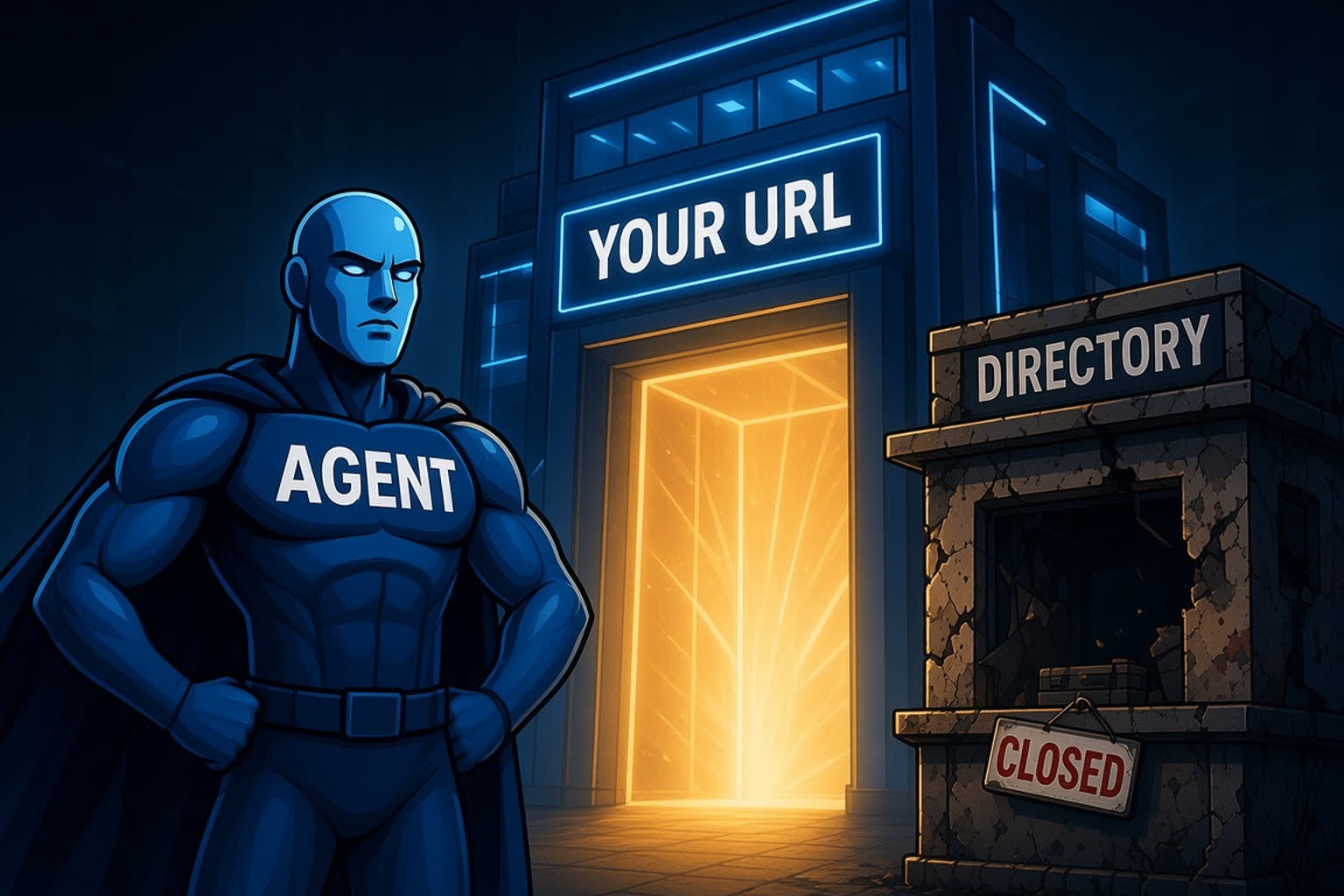
The MCP directory Smithery set October 31, 2026 as the day it shut down its "connection management services." Its notice lists what stopped working on that date: server URLs on run.tools and server.smithery.ai, the Smithery API, Connect and Toolbox, Smithery accounts and API keys, and the CLI and SDKs. (Smithery)
The directory itself stays. Smithery says smithery.ai continues as "a public (non-proxied) MCP registry," now powered by Arcade.dev, and that verified listings will show each vendor's direct MCP URL, for example mcp.linear.app/mcp instead of a Smithery address. Its advice to users is to "switch to the vendor's official MCP URL." (Smithery)
In other words, a directory is a place to be found. It isn't a place to run from.
Why this is a SaaS problem, not just a developer problem
Picture a customer who set up your product in their AI assistant through a third-party URL. When that URL stops responding, nothing announces it. The assistant simply can't reach your product anymore, so it falls back to whatever it can reach, which might be a competitor.
Your customer doesn't file a ticket or cancel. Their work just stops flowing through your product. That's ghost churn, and in this case it started somewhere you don't control and probably never saw.
Smithery gave weeks of notice and pointed users to official URLs. The next intermediary might not. The fix is the same either way: make sure the address your customers connect to belongs to you.
Five things to own
1. Your endpoint, on your domain. Run your remote MCP server at an address like mcp.yourproduct.com/mcp, and make that the only URL in your docs and onboarding. If a directory or gateway proxies it, that's a bonus, not your main path.
2. Your sign-in. Smithery's accounts and API keys stopped working along with its proxy, so any setup that depended on them has to be redone. When customers sign in to your MCP server with your own OAuth, the connection belongs to you and the customer, with nobody in between.
3. Your discovery files. The MCP Server Cards extension (SEP-2127) is now Final. It lets you publish an AI Catalog at /.well-known/ai-catalog.json on your own domain, pointing to a Server Card that tells clients where your server lives and how to connect. (SEP-2127) Your domain becomes the source of truth, so any directory or client can find the right URL from it.
4. Your namespace in the official registry. The official MCP Registry is "the official centralized metadata repository for publicly accessible MCP servers," with namespace management "through DNS verification." It's still in preview, and it's meant to feed downstream directories and marketplaces. (MCP Registry) Publishing there under your own domain's namespace ties your listing to you, not to whoever lists you.
5. Your listings, pointing home. Keep listing in third-party directories. They help people discover you. Just check that every listing points to your own endpoint, and review them now and then. If a directory changes its model, as Smithery did, your customers' connections shouldn't change with it.
A quick audit for this week
- Search your docs, help center and onboarding emails for any MCP URL that isn't on your domain.
- Check how your product is listed in the MCP directories you know about, and note which URL each one gives out.
- Confirm that customers sign in to your MCP server with your own OAuth.
- Publish an AI Catalog and Server Card so clients can find your server from your domain.
See where your product stands
Our free Agent Readiness Check scans your site for the signals AI agents look for and gives you a score in about a minute.