
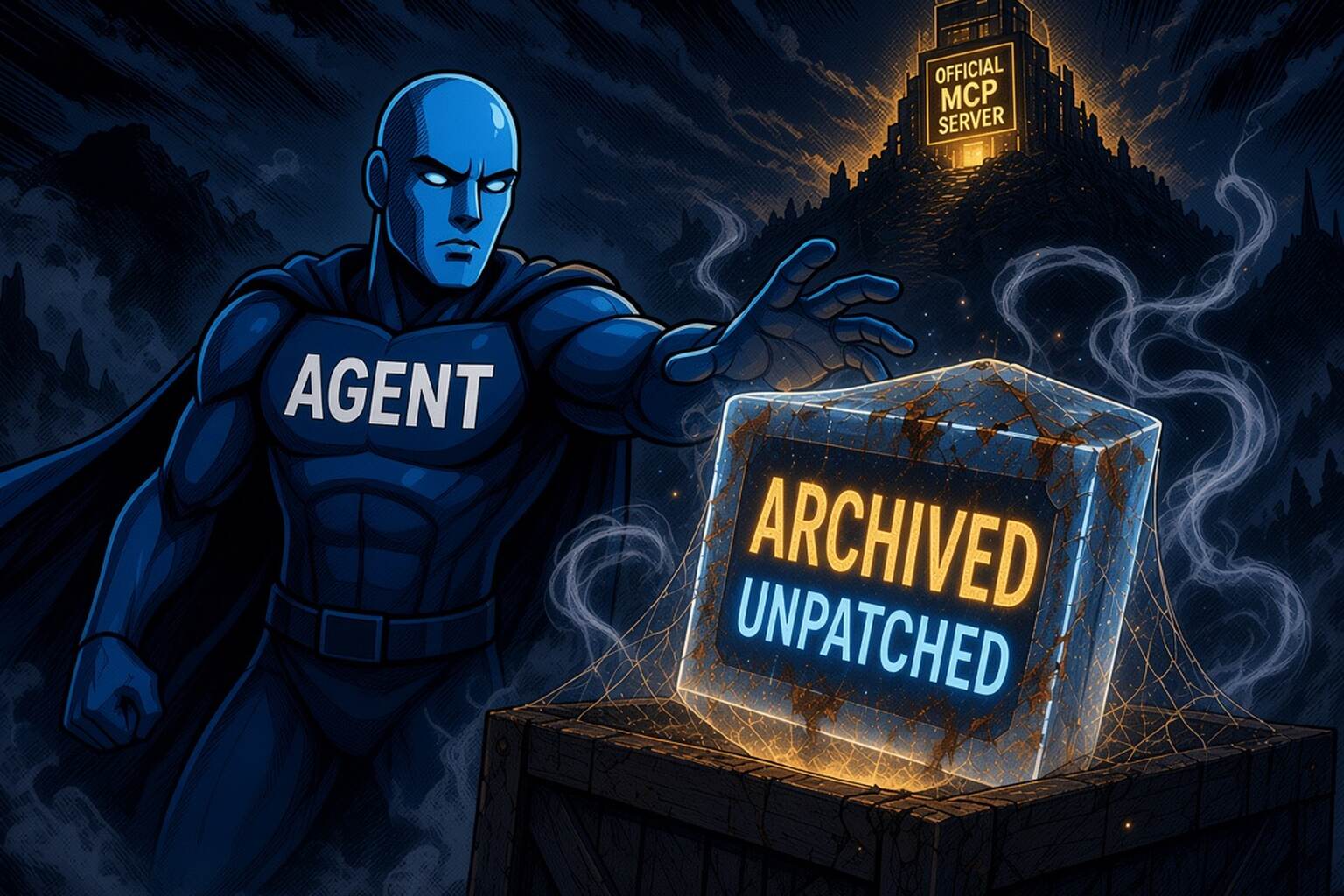
Ask an AI coding agent to "set up a GitHub MCP" and it has to pick a package. New research from Glow Labs found that agents often pick the one they remember, not the one that's current. Glow calls the pattern MCPhantom. (Glow Labs)
The research is written for security teams. But if you run a SaaS product, it's also a warning about who controls the way agents connect to you.
What the researchers found
Glow Labs reviewed real AI coding session transcripts and looked at sessions where an agent installed or suggested a deprecated MCP server. In 98% of them, the agent appears to have filled in the package name from its training data. In the other 2%, the user asked for the old package by name. (Help Net Security)
In the GitHub example, GitHub maintains its own MCP server, and the agent passed over it for a deprecated Anthropic reference server. That server's repository is archived, and its archive notice says no security updates are coming. The pattern showed up across Claude Code, Cursor, Codex CLI, Claude Cowork and Claude chat, with models from Anthropic, OpenAI and xAI. (Help Net Security)
Some background: when MCP launched in 2024, Anthropic published 20 reference servers to show how integrations could work. As services built their own, 13 of those were archived. (Glow Labs) That's normal for a maturing ecosystem. The problem is that the models still remember the old names.
And the old names still get used. Glow counted 17,352,267 npm downloads of 12 deprecated reference packages between July 10, 2025 and the time of the research, led by server-github at about 5.3 million, server-postgres at 4.3 million and server-slack at 3.2 million. Five of them are in npm's top 100 MCP packages. (Glow Labs) npm's own figures show @modelcontextprotocol/server-github was downloaded 200,397 times in the week of October 27 to November 2 alone. (npm downloads API)
The security side, briefly
Glow found four high-severity vulnerabilities in these reference servers. The worst is a remote code execution bug in the Puppeteer server: with a prompt injection, an attacker can make the agent start any process instead of the browser and run any command. The maintainers replied that the server was archived in May 2025 and is unmaintained, so no fix is coming. Glow says it hasn't seen the flaws exploited yet. (Glow Labs)
Marking a package deprecated doesn't stop it either. The npm registry now flags server-github, server-puppeteer and the others as "no longer supported" (npm registry), but a deprecated package still installs through npx with only a warning. In one session, the agent looked the package up, saw "This package is deprecated," installed it anyway and never told the user. (Help Net Security)
Why this is your problem, not just your customers'
Swap GitHub for your product. A customer asks their agent to connect to you. If there's no official server the agent can find, it reaches for whatever name it remembers: an old reference server, a hobby wrapper, a fork from two years ago. If you do ship one, the GitHub example shows that agents can still pass it over for an older name.
Either way, the customer's experience of your product now runs through software you don't maintain. When it breaks, behaves oddly or gets compromised, they don't file a ticket with the wrapper's author. They decide your integration is flaky and route the work somewhere else. That's ghost churn: no complaint, just usage quietly moving away.
Glow's advice to security teams makes the stakes clear. Its first step is to find configs that use the deprecated servers and "switch to the service owner's own MCP server where one exists." Its second is to approve one MCP server per service. (Glow Labs) Those teams are going to look for your official server. Make sure there's one to find.
Make your official server the obvious choice
You can't edit what's in a model's training data. You can make the current, official answer easy to find for any agent or person who looks:
- Ship an official server. If you don't, the agent's memory decides for you.
- List it in the official MCP Registry under your domain's namespace. GitHub's is listed as
io.github.github/github-mcp-server. (MCP Registry) A domain-verified name is what separates you from the wrappers. (More on registry namespaces) - Serve it at, or redirect from,
mcp.<yourdomain>, the address people and clients try first. - Publish
/.well-known/ai-catalog.jsonand a Server Card so a client can go from your domain to your server without guessing. (SEP-2127) - Say it in your docs, in plain words, including what you don't support: "This is our official MCP server. Older community packages aren't maintained by us."
- If you retire a server, deprecate it loudly, and point to its replacement in the npm deprecation message, the README and the registry listing.
None of this will stop every stale install. But when a security team goes looking for the service owner's server, or an agent checks before it installs, the right answer should be yours.